
Inbox Zero, Outbox Hero
Fast, sleek and powerful, Postbox is guaranteed to give you email superpowers.

Works with Any IMAP or POP Account
Gmail, iCloud, Yahoo, AOL, Office 365, Outlook, Fastmail, ProtonMail, and many more.

Goodbye Chaos, Hello Clarity
Let our email organizational features declutter your inbox and your mind.
-
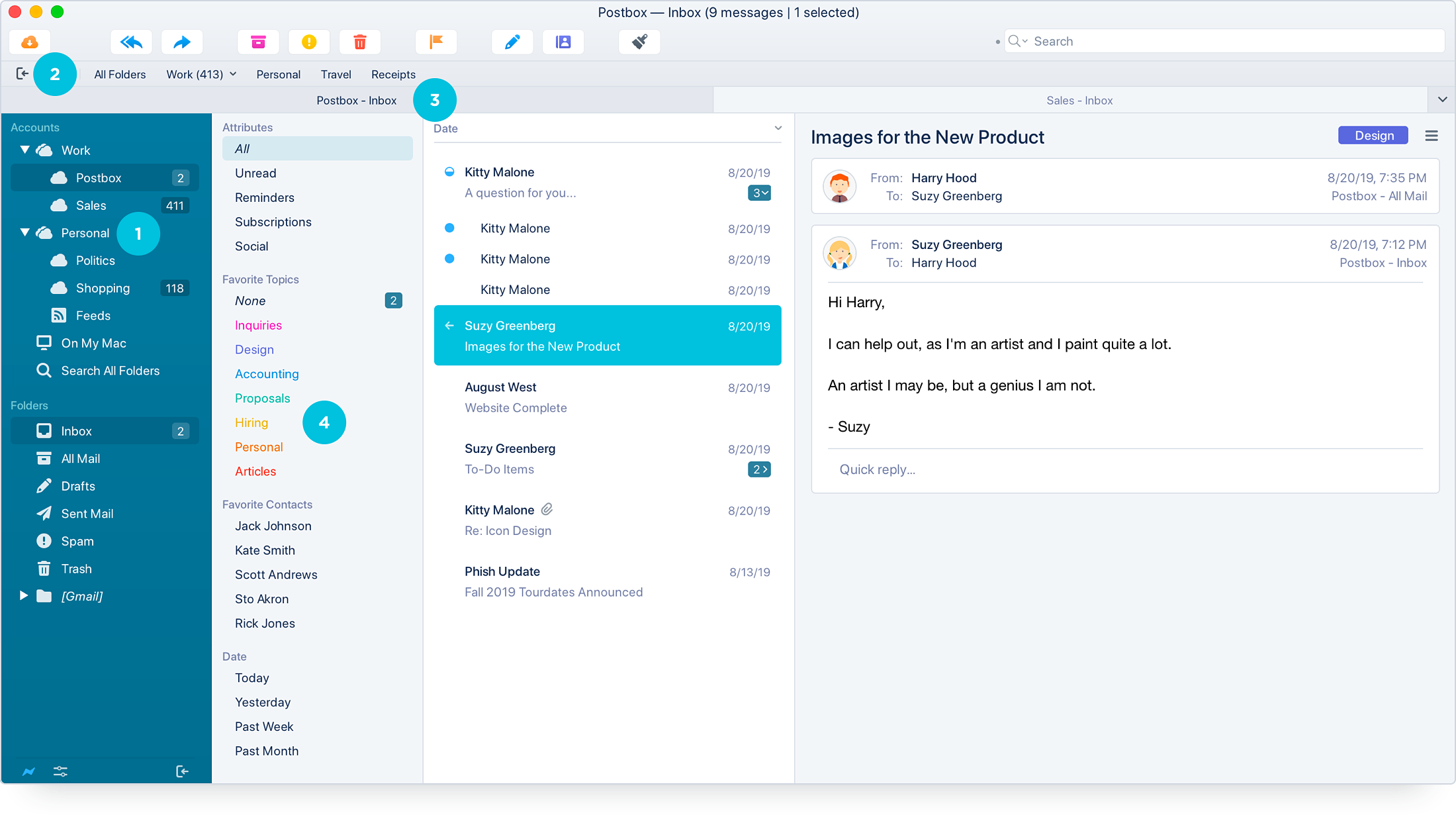
Group Your Accounts
Keep your work and personal inboxes separate.
-
Access Favorite Folders
Get fast access to your go-to folders using the Favorites Bar.
-
View by Tab
Like a browser, organize your workspace in Tabs. View accounts or messages each in their own tab.
-
Stay Focused
Quick Filters organize your emails so you can focus on what's important.
Search at Warp Speed
Our search is so fast, it's like lightning in your fingertips!
-
Spend Less Time Searching
Find things in an instant with Postbox's super-speedy Search Engine.
-
Find Just What You Need
Create advanced queries without a Ph.D. in data science.
-
Browse Files and Images
Search for files and images hiding in your emails. You might even discover old photos you didn't know you had.

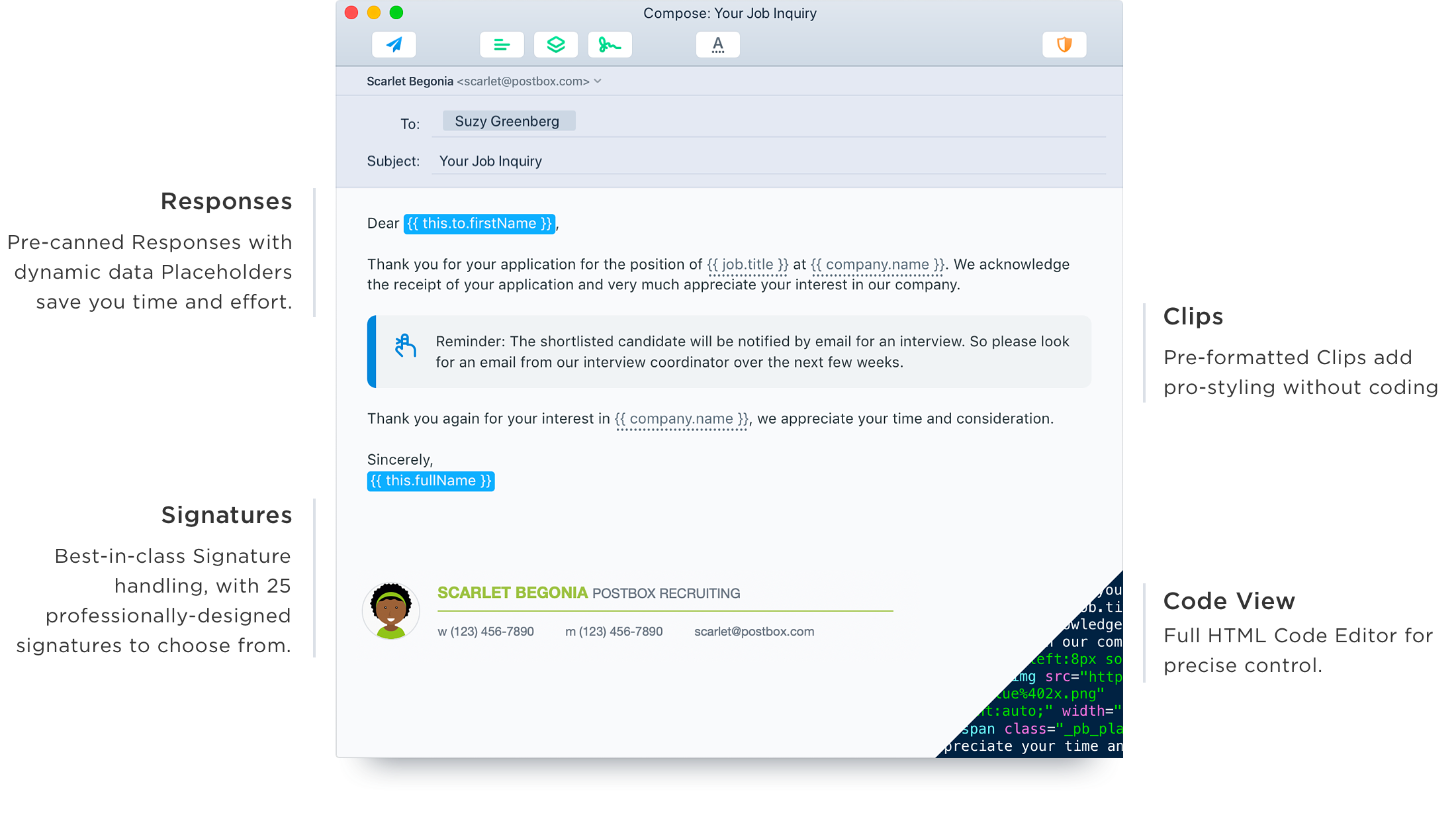
Wonder Writer
Professional-class composition tools help you write with efficiency and style.
Our Wish is Your Command
Our email triage tools make managing your inbox feel like pure magic.
Use Quick Actions like email wizardry.
Get to Inbox Zero using Postbox's incredible Quick Bar. It's like Spotlight on the Mac but built for everyday email actions. Move or copy messages, switch folders, tag or label messages, or navigate across folders with just a few keystrokes.
Move mountains of messages in minutes.
Postbox supports a full suite of keyboard shortcuts, an extensive set of filters/rules, and intuitive swipe actions on macOS to dispatch messages in a flash.

Brains, Meet Beauty
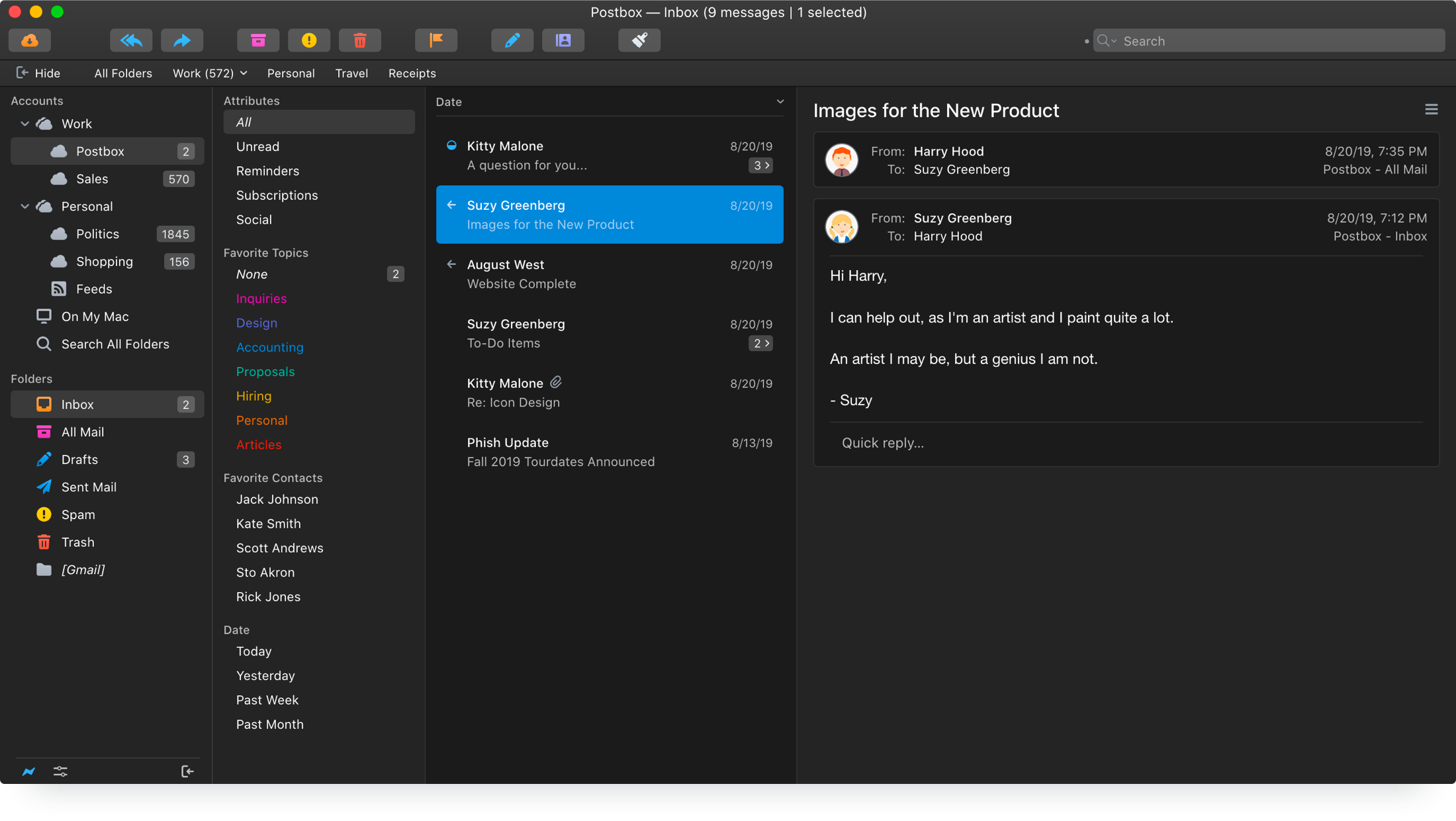
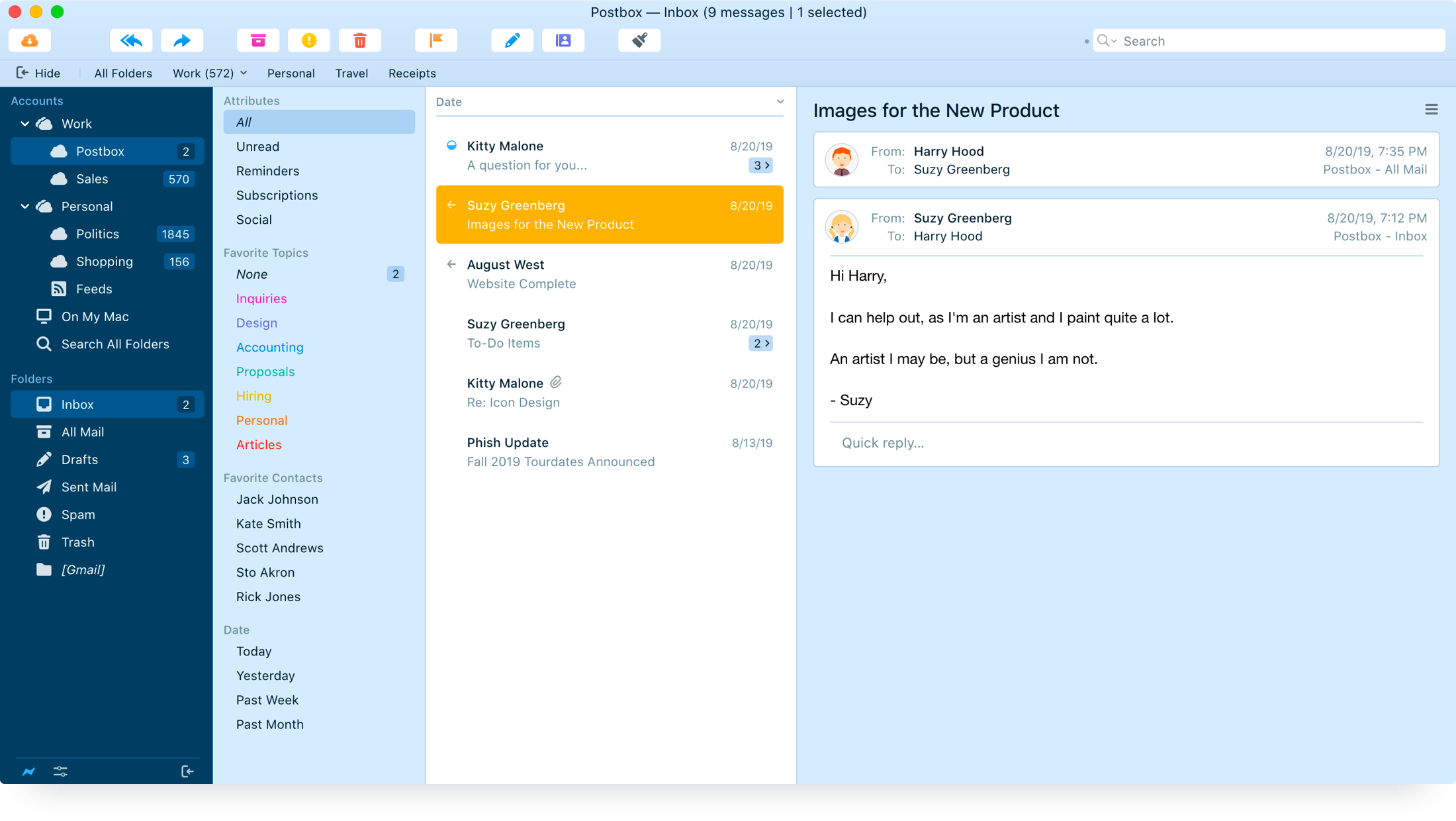
Pixel-perfect, intuitive interfaces that act like real Mac and Windows apps, not webpage experiments. Build your own theme using our powerful Theme Editor, or add a professionally-designed Theme Pack that you can customize any way you like.





Fits Your Flow
Personalize Postbox with exceptional customizability and flexibility.
Your Personal Command Center
Customize Postbox's interface to fit your workflow. Show or hide any panel, display messages in vertical and horizontal views, organize folders in the Favorites Bar or Tabs, or pin important emails to the top of your message list.
Postbox Labs
Extend Postbox's functionality through Postbox Labs, a place for 3rd-party code such as OpenPGP encryption and Import & Export Tools.

Privacy is Paramount
We value privacy as much as you do.
Our Promise
- We will not transmit your email data to our servers.
- We will not scan your emails, looking for data to sell.
- We will not target you with 3rd-party ads.
- We will not share your personal information with anyone, ever.
- We will not censor, filter, or log your content in any way.
Privacy & Security Features
- Google Safe Browsing helps keep you safe from phishing.
- Tracking Prevention throws email trackers off your trail.
- End-to-end OpenPGP encryption through Enigmail.

Always Awesome
Year-after-year, you can count on Postbox to maintain the highest standards possible.



Get Postbox
Customer Buzz
Discover why Postbox is the best email app for macOS and Windows.


